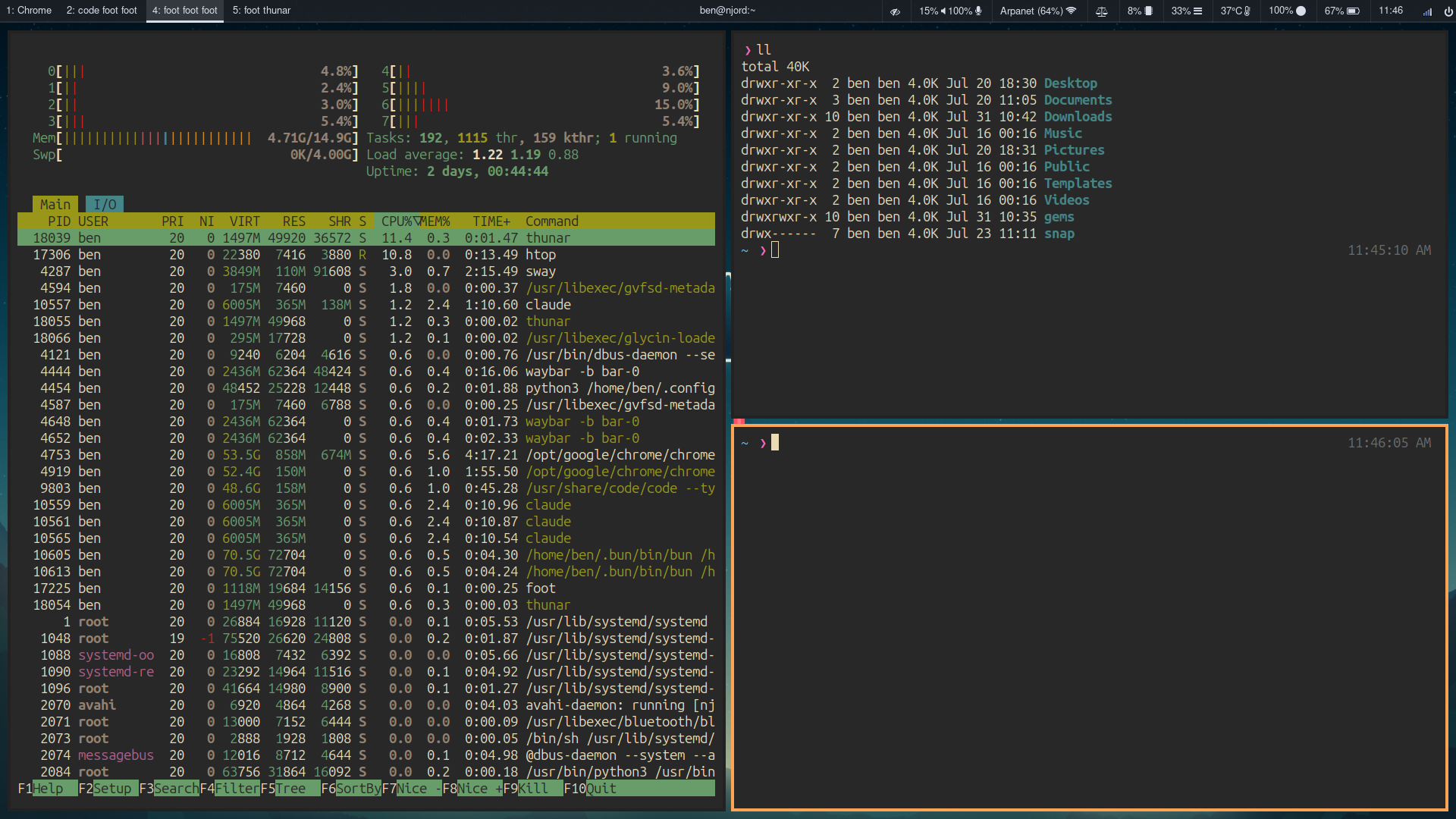
Claude Assisted Linux Setup
Overview
After many years running 20.04 LTS it was time to upgrade. Like many, I have always intended to package my config and dotfiles in a nice way to easily redeploy on a new instance but I have not done it yet. After backing up my old computer and installing a new clean up to date instance of ubuntu I considered how I wanted to setup the new environment. The first option was going with what I had before, manually copying configs and fixing any issues with the new versions of software. The second, and the one I landed on was using Claude for configuration.
Claude Usage
I used Claude for three major software configurations, these were Sway (Tiling Window Manager), Waybar (Window Manager Bar) and Foot (Terminal). Over the course of an hour I was able to setup all the theming and behavior I wanted out of the system including having Claude write a custom plugin for Waybar handling workspace selection while showing the current programs running on it.
Personal Takeaways
While I have been using AI coding assistants for over a year and seen their usefulness in project design, implementation, and debugging, the experience of using Claude for my desktop config was the first time I have felt like the tight iteration cycle and simple prompt to behavior shaped not only what I was building but how I was building it. Like all tools there are drawbacks, for example a simple request turning into thousands of tokens used to do something custom rather than just using a built in functionality. Much of those erratic behaviors can be solved with more practice prompting and feeding the model useful reference information.
Conclusion
I am never writing my own configurations again…